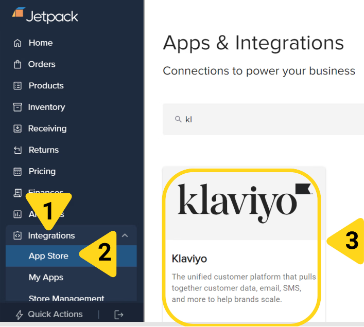
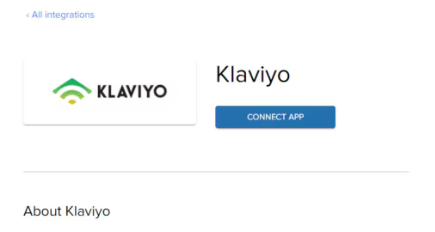
Integrate Klaviyo with Jetpack to push order status updates and fulfillment data for personalized marketing campaigns.
Integrating Klaviyo with Jetpack enables you to push order status updates and fulfillment data—including pre-tracking information, tracking numbers, and recipient details—from Jetpack to your Klaviyo account. This one-way data sync powers personalized customer experiences across your marketing channels by leveraging real-time order information.
About ShipBob Integration References
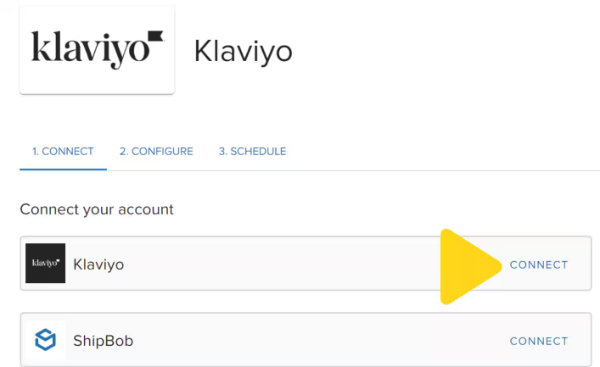
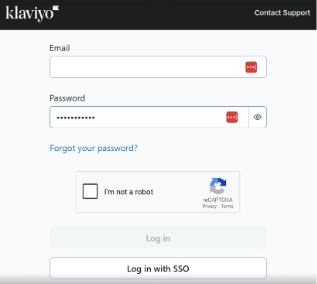
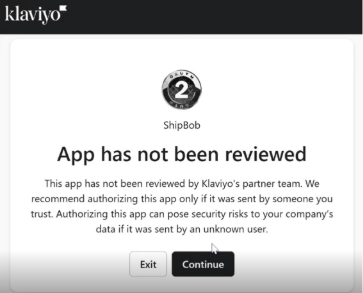
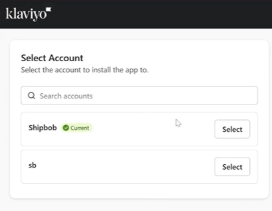
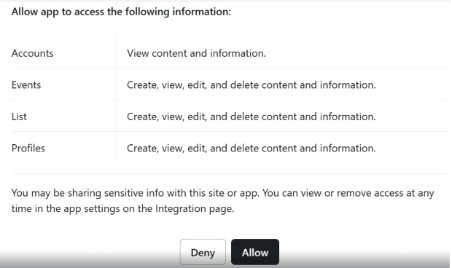
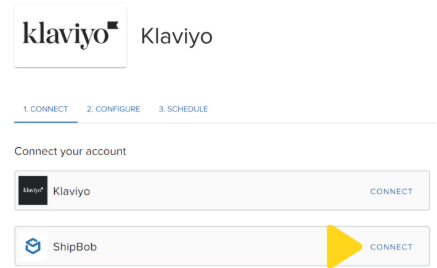
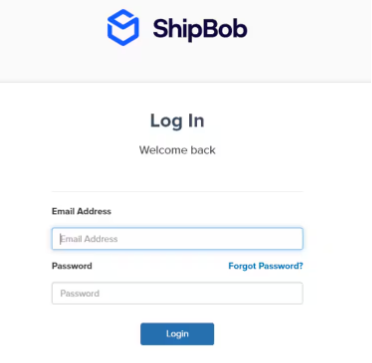
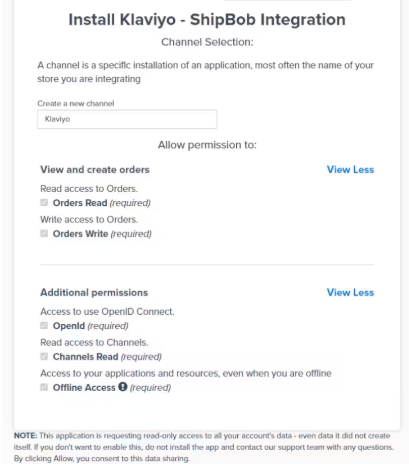
During setup, you’ll authorize the “ShipBob” integration in Klaviyo. This is expected—Jetpack has licensed ShipBob’s integration infrastructure to provide reliable connections. Your data flows seamlessly to your Jetpack dashboard.
The Klaviyo integration supports a one-way sync where you choose a Klaviyo list to receive recipient profiles and activity updates from Jetpack. All order information created within your specified sync period is imported and subsequently updated based on new or changed orders. This allows you to personalize customer experiences across marketing channels with up-to-date fulfillment status.
Stock level information will also sync to Klaviyo to power inventory-based marketing messages like “Product A is back in stock.”
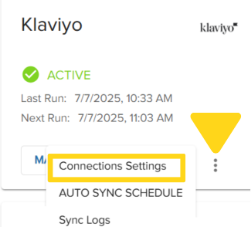
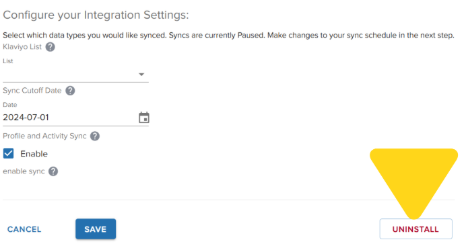
After connecting both Klaviyo and ShipBob, configure your sync settings from the 2. CONFIGURE tab:
1
Select the Klaviyo list
Choose the Klaviyo list you want to share access with. This list will be used to push customer profile and activity data.
2
Choose a sync cutoff date
Specify the earliest date from which Jetpack should start syncing order information. The maximum look-back period is 60 days (e.g., selecting 1/1/22 will sync all orders from that date forward).
3
Enable profile and activity sync
Check the box labeled Enable under profile and activity sync to ensure order recipients and events are pushed to your selected Klaviyo list.
Choose from the options provided (e.g., Every 30 minutes, etc.). By default, the schedule will be configured to paused.
2
Click Save + Sync Now
The first sync will occur based on the selected frequency. For example, if set to every 30 minutes, the initial sync will run 30 minutes from when you save.
If you have any questions or run into issues, you can always contact Jetpack Care for help. Our team is always here to assist via Slack, phone, or email!