

The Inventory Replenishment Report gives you forward-looking insights to prevent stockouts across your fulfillment network. This report integrates with MultiHub IQ (MIQ) to help you make informed decisions about when and how much inventory to replenish, based on demand forecasting, current fulfillable inventory, and incoming shipments.
What the Inventory Replenishment Report Shows
The Inventory Replenishment Report provides visibility into several key areas to help you optimize your inventory distribution:- Report Refresh Schedule: The date and time the report was last refreshed (displayed in UTC). The main report refreshes once daily in the mornings (UTC), while the replenishment breakdown, replenishment date recommendations, and SKU forecasts refresh weekly on Monday mornings (UTC).
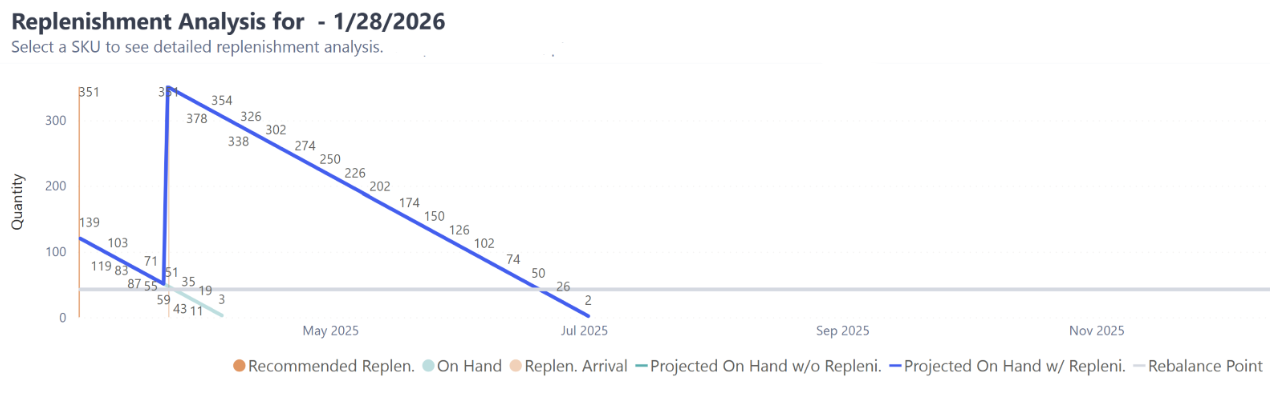
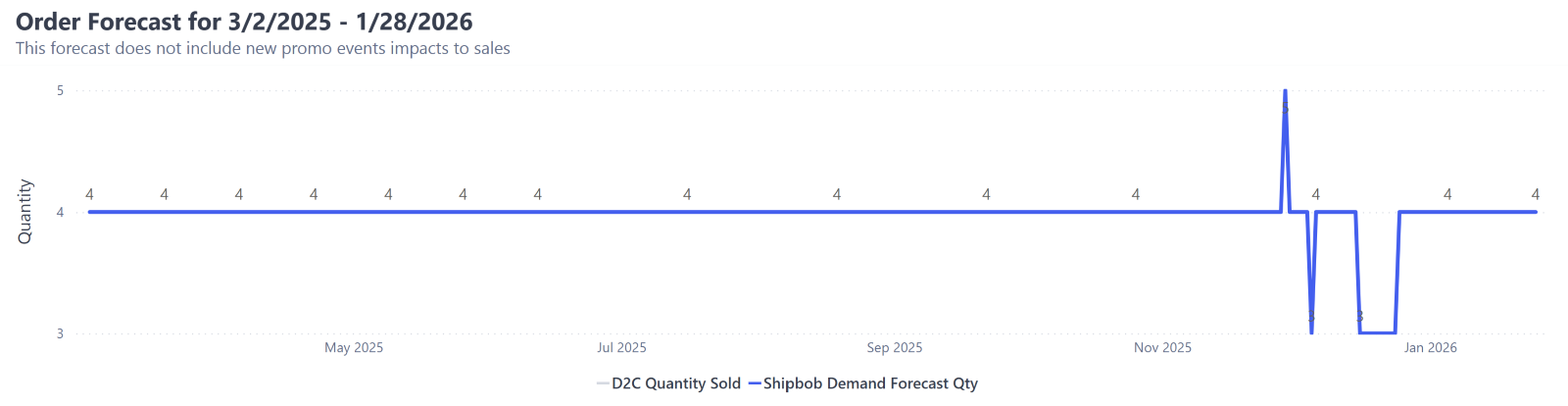
- Replenishment Breakdown: See which products require inventory replenishment, along with suggested replenishment dates based on Jetpack SKU forecasts, fulfillable inventory (as shown on the Inventory Status page), incoming inventory via inbound WROs, and the order-to-hub lead time (the time it takes for inventory to travel from its origin to the Jetpack hub).
- Inventory Depletion Scenarios: View how your inventory levels will deplete over the next 12 months in two scenarios—if you replenish by the recommended date, and if you don’t replenish at all.

Available Sub-Reports
The Inventory Replenishment Report page includes three distinct sub-reports, each offering different insights into your inventory needs.D2C Inventory Replenishment Recommendation Columns
The D2C Inventory Replenishment Recommendation sub-report contains several columns that help you make replenishment decisions.Filtering Reports
You can filter all sub-reports on the Inventory Replenishment page using the following options:1
Filter by Product/SKU
Use the drop-down option to refine which products are included in the sub-reports on the page.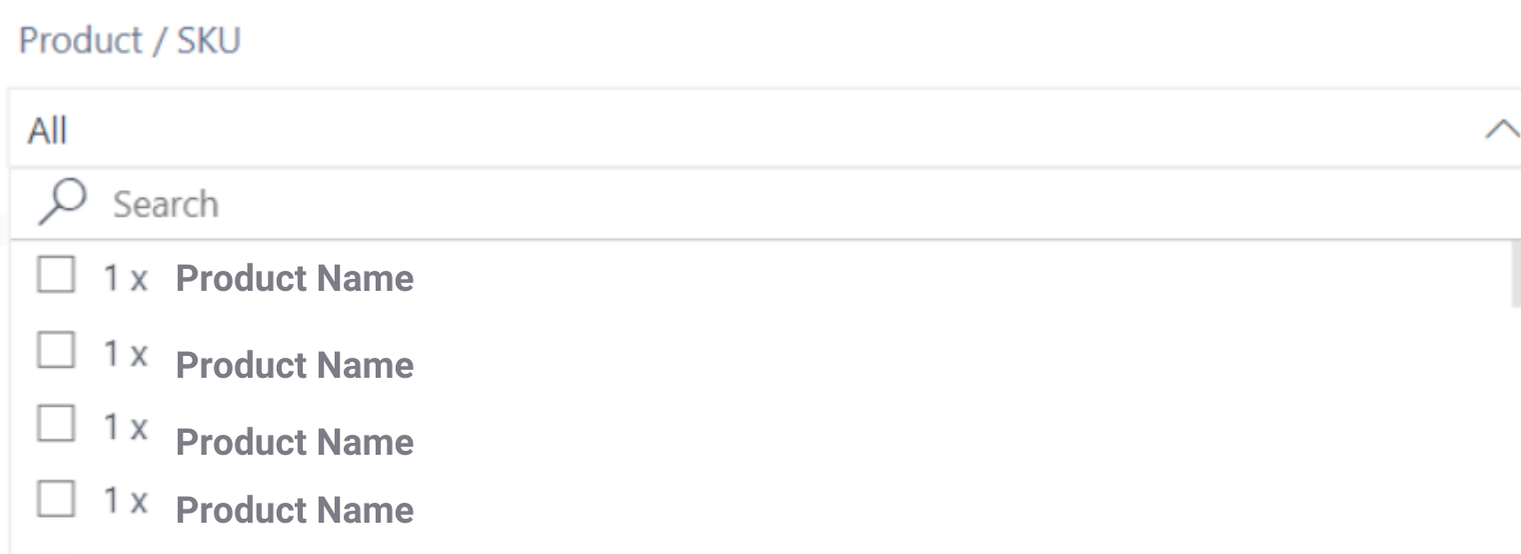
- By default, all products are included
- Locate products by using the search bar or scrolling through the options
2
Filter by Product Type
Use the drop-down options to select between Products and Packaging Material.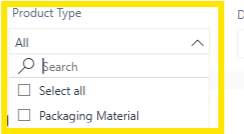
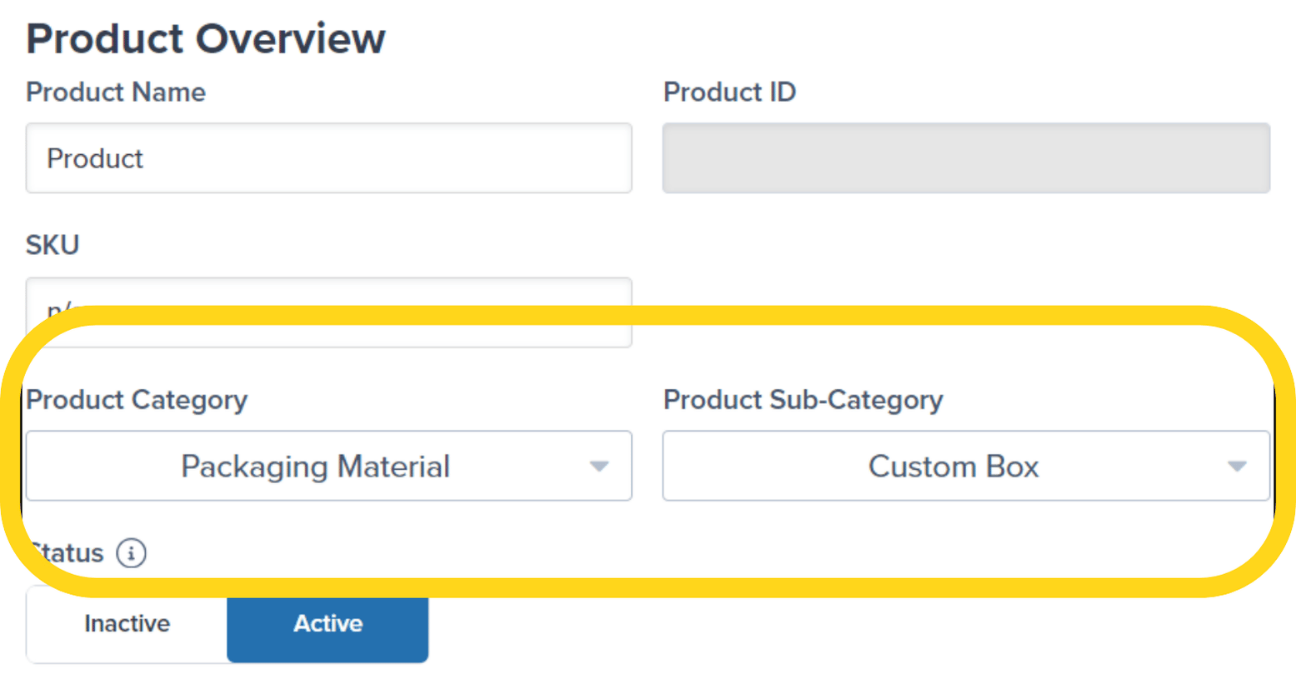
- Selecting Packaging Material will show only SKUs that have a Product Category of Packaging Material on the product details page in the Jetpack dashboard
- All sub-categories related to the Packaging Material Product Category will appear under this view
3
Filter by Date
Click the calendar icon to select the date range for your data.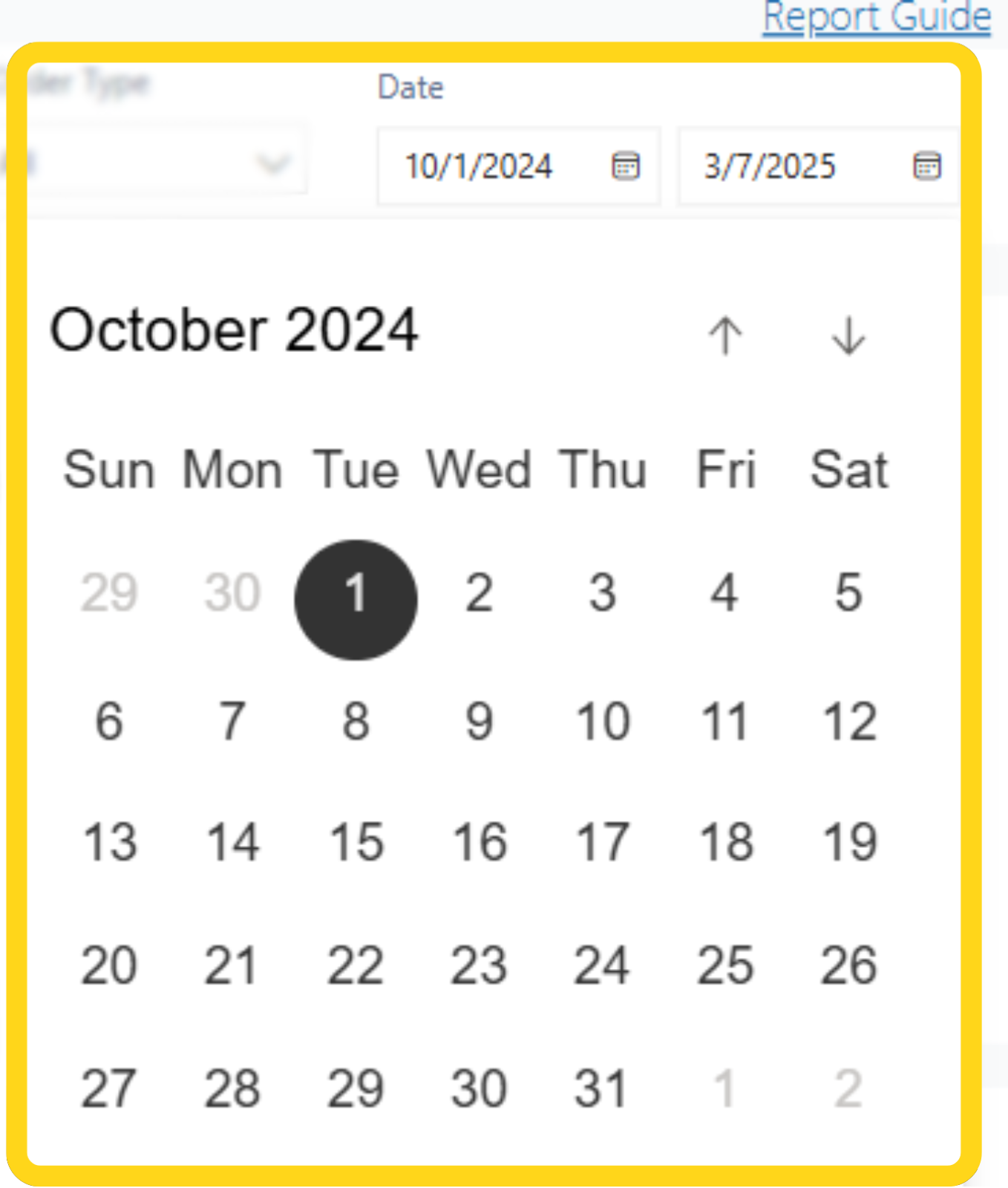
- You can access the last 90 days of data
Exporting Reports
You can export all sub-reports on the Inventory Replenishment page to analyze data outside the dashboard.1
Locate the sub-report you want to download
From the Inventory Replenishment page, locate and hover over the sub-report you wish to download.
2
Open the export menu
Click the 3 horizontal dots. Additional menu options will appear.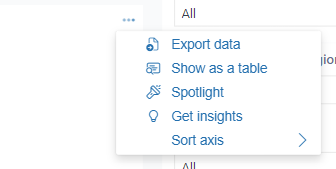
3
Select your export format
Select Export data. A pop-up window will appear.Choose the format option of your choice: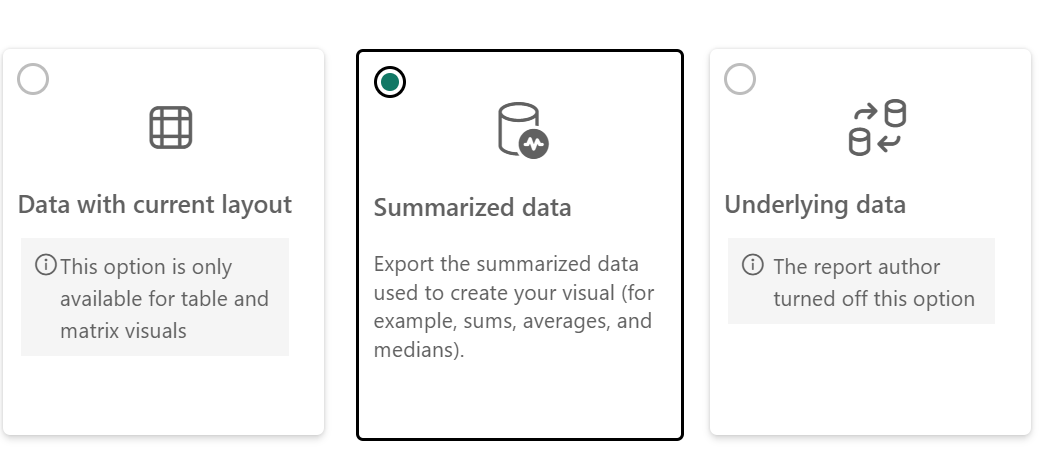
- Data with current layout
- Summarized data
- Underlying data
Some options may be disabled or not compatible with the data you are trying to export.
4
Download the file
Click the Export button. A progress bar will appear.Once the download is completed, the file will automatically be downloaded to your computer.
Inventory Replenishment Report FAQs
Why don't I see a SKU forecast for all products in my Product Catalog?
Why don't I see a SKU forecast for all products in my Product Catalog?
Products will only have a SKU forecast if more than 100 units of the product were shipped in D2C (also referred to as B2C) orders in the last 14 days.Additionally, after a product hasn’t shipped in 3 months, the SKU will be considered inactive in Jetpack’s forecasting model.Note: The product will be considered active automatically once it has shipped 100 units in 14 days.
Why are there SKUs with forecast but not replenishment recommendations?
Why are there SKUs with forecast but not replenishment recommendations?
The Inventory Replenishment page will not provide replenishment recommendations if the product is not forecasted to have movement over the next 12 months, or if there is enough inventory on-hand and inbound (via WROs) to meet demand.
What are some common reasons for discrepancies between the data on this report and other pages/reports?
What are some common reasons for discrepancies between the data on this report and other pages/reports?
Common reasons for discrepancies include the following:
- Different Refresh Schedules: The Inventory Replenishment page refreshes once daily, while other pages in the Jetpack dashboard (like the Inventory Status page) update as inventory has movement.
- WRO Processing Timing: Units will appear under a product’s Incoming inventory (on pages like the Inventory Status page) until the WRO is processed by the hub or destination fulfillment center. This causes a slight delay in the units being available to fulfill the forecasted demand.
How soon can I expect the report to be updated after providing custom inputs?
How soon can I expect the report to be updated after providing custom inputs?
You will be able to review the Inventory Replenishment reports with your custom inputs (such as order lead time) the following Monday morning (CST) from when you provided the updated information.
Let’s Dive Deeper
About Jetpack Reports
Overview of all available reports and analytics tools
Inventory Snapshot Report
View current inventory levels across your fulfillment network
Inventory Velocity Report
Track how quickly your inventory is moving
MultiHub IQ Overview
Learn how MultiHub IQ distributes and rebalances your inventory
Managing Replenishment Schedules
Set up your replenishment workflow and schedules
Out of Stock with Exceptions Report
Identify SKUs causing exception orders

Questions? Contact Jetpack Care.
If you have any questions or run into issues, you can always contact Jetpack Care for help. Our team is always here to assist via Slack, phone, or email!