

Lot products enable batch-level tracking for inventory that requires expiration date management, recall capability, or segregation by manufacturing batch. This comprehensive guide covers configuring lot products, creating lot-tracked WROs, and managing lot inventory over time.
What Are Lot Products?
A lot number (also called a batch number) is a unique identifier assigned by the manufacturer to a specific production batch. Lot tracking enables:- Recall Management: Quickly identify and segregate specific batches if recalls occur
- Expiration Tracking: Monitor shelf life and ensure oldest products ship first
- Batch Segregation: Keep different production runs separate for quality control
- Compliance: Meet regulatory requirements for food, supplements, cosmetics, and pharmaceuticals
How Jetpack Handles Lot Inventory
When you configure a product as a lot product, Jetpack:- Ships nearest expiration date first: Automatically selects units closest to expiration (FIFO - First In, First Out)
- Stores each lot separately: Different lot numbers receive separate storage locations
- Charges individual storage fees: Each lot incurs its own storage fees based on space used
- Tracks lot-level inventory: View available units by lot number and expiration date
Configuring Products as Lot Products
Before sending lot inventory, you must configure the product in your Jetpack dashboard to enable lot tracking.1
Navigate to Products
Click Products in the left-hand navigation bar.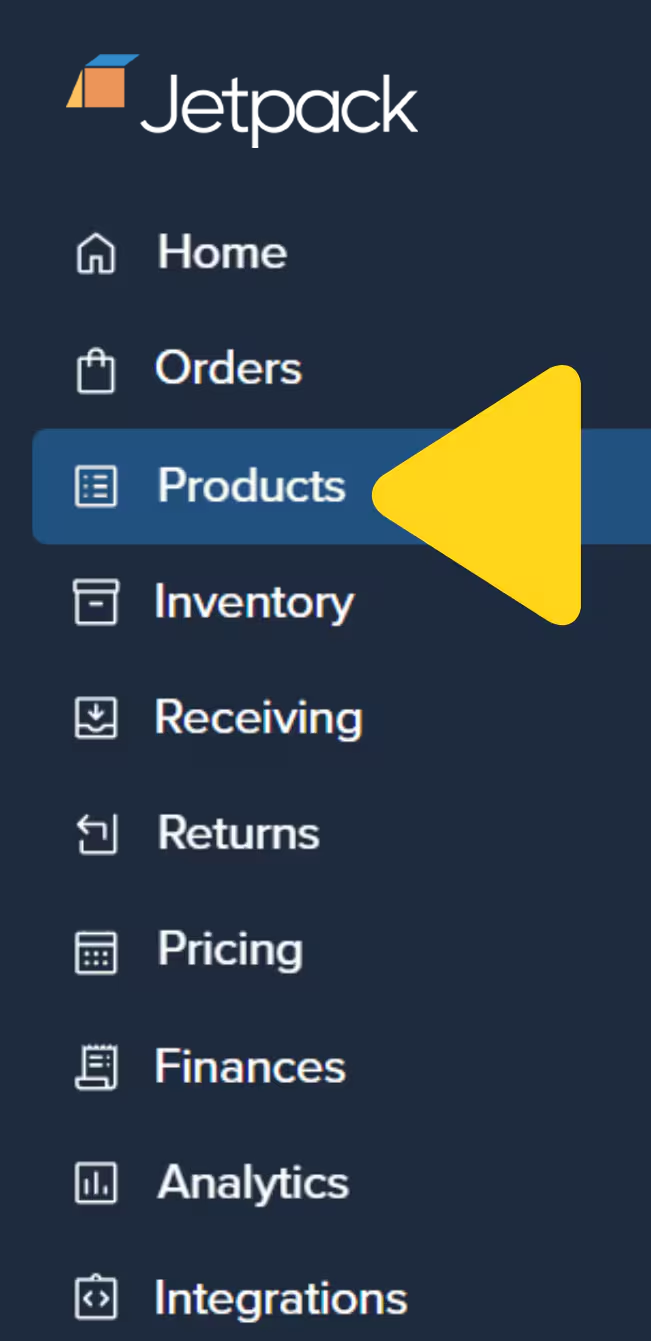
2
Open the product
Use the search bar or scroll to locate and click the product’s name to open the Product Details Page.
3
Click the Inventory tab
On the product’s details page, click the Inventory tab.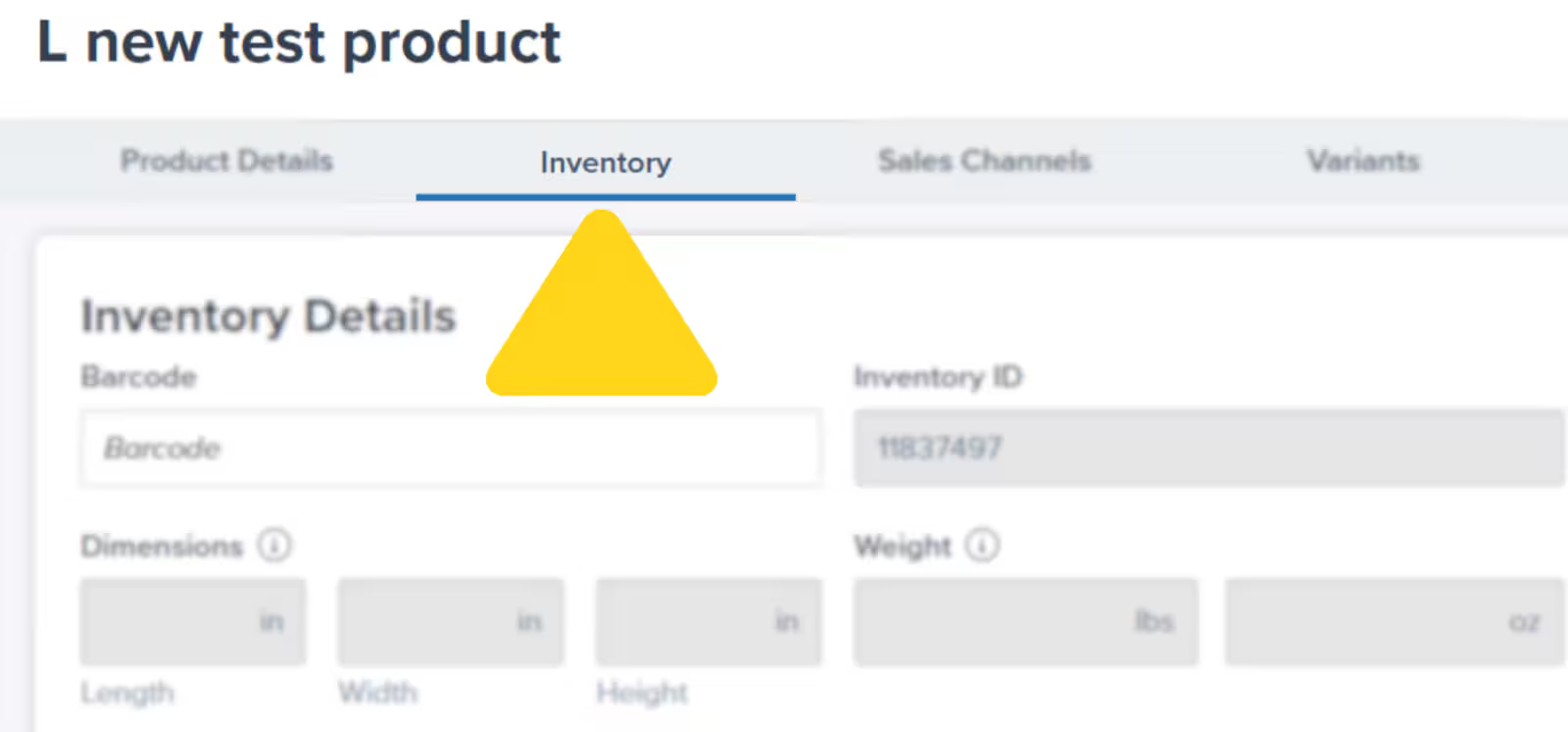
4
Enable lot tracking
Check the box next to Is this a lot product?
5
Configure Return Preferences
Follow the on-screen message to update your Return Preferences:
- For customer returns: Options are Quarantine or Dispose (restocking for lot items is not supported)
- For returned-to-sender (RTS) orders: Options include Restock, Quarantine, or Dispose
6
Set Minimum Shelf Life (optional)
If the product has a minimum shelf life, check the box and enter the minimum number of days. Products returned to sender with an expiration date within this timeframe will be processed using your defined RTS Backup Action.
7
Save your changes
Click Save to apply the lot product configuration.
Once a product is marked as a lot item, entering at least one of the fields (lot number and/or expiration date) is required when creating your WRO.
Understanding Return Preferences
Minimum Shelf Life Days (Optional)
Set a minimum number of days of remaining shelf life required for products to be available for order fulfillment. For example:- Set 30 days minimum shelf life for products with 6-month expiration dates
- Units with fewer than 30 days remaining won’t be selected for orders
- Helps ensure customers receive fresh products
Use this setting for products where customers expect significant remaining shelf life. Food, supplements, and cosmetics benefit from minimum shelf life requirements to maintain customer satisfaction.
Creating WROs for Lot Products
When sending lot inventory to Jetpack, you’ll specify lot numbers and expiration dates directly in your WRO (Warehouse Receiving Order).1
Navigate to the WRO creation process
Navigate to Receiving > Create WRO in your Jetpack dashboard. In Step 2 of the WRO creation flow:
2
Search for and select your lot product
Search for the inventory ID or product name, then select the product(s) you want to include.
3
Specify total units
Enter the total number of units you’re sending.
4
Enter lot number and expiration date
In the Lot and Expiration column, type the lot number and enter the expiration date (using manual entry or the calendar tool).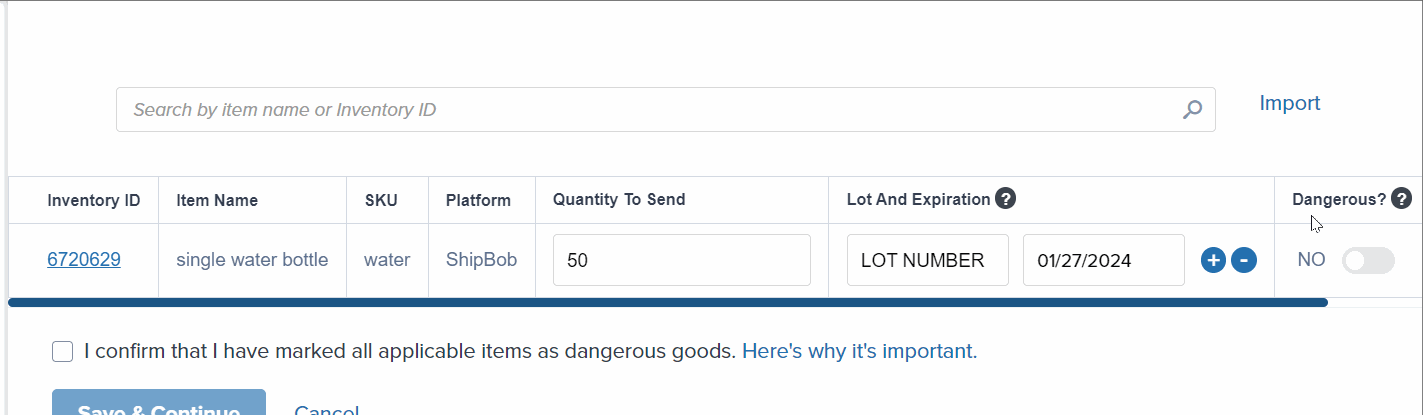
5
Add multiple lots if needed
Click the + icon to add another lot if you’re sending different lots of the same product. Use the - icon to remove an entry if needed.
6
Complete and submit your WRO
Complete the remaining WRO steps and submit. Once received by Jetpack’s Operations team, items will be stored in separate locations according to their lot numbers, with each incurring storage fees.
Managing Lot Inventory
Once lot inventory is received, you can view and manage it through your Jetpack dashboard.Reviewing Expiration Dates and Lot Numbers
1
Navigate to Inventory Status
Click Inventory, then select Inventory Status.
2
Locate your lot product
Find the lot product you want to review.
3
Click View to see lot breakdown
Click View next to the desired lot product. A pop-up will display all lot numbers, associated expiration dates, and unit statuses (Incoming, On Hand, Committed, Fulfillable, Exception, Backordered, etc.).
4
Close the popup
Click the X at the top right to close the pop-up.
If you have SKUs with a mix of items with and without lot information, they will be stored separately. The ones with an expiration date are prioritized for shipping.
Adding Lot Information to Existing Inventory
If you need to add lot numbers or expiration dates to inventory already at a fulfillment center, contact Jetpack Care and provide:- The inventory ID(s) to update
- Lot number and expiration date for each SKU
- A breakdown of units per lot number/expiration date
Best Practices for Managing Lots
Lot Products and Storage Fees
Understanding storage fee implications helps you manage lot inventory cost-effectively:How Lot Storage Works
- Each lot stored separately: Different lot numbers occupy separate warehouse locations
- Individual storage fees per lot: Every lot incurs storage charges based on cubic feet occupied
- No consolidation across lots: Even identical products with different lot numbers cannot share storage space
Minimizing Storage Costs
To control storage fees for lot products:- Send consolidated lot quantities: Larger quantities of fewer lots cost less than small quantities of many lots
- Monitor slow-moving lots: Promote or liquidate inventory before it expires
- Plan replenishment timing: Balance inventory levels with storage cost considerations
Storage fees are calculated monthly based on the cubic footage your inventory occupies. Each lot is measured and charged separately. Storage rates are set out in the pricing provided with your Jetpack fulfillment agreement.
Common Lot Product Scenarios
Recalls
When a manufacturer recall affects specific lot numbers:- Contact Jetpack Care immediately with affected lot numbers
- Jetpack will quarantine the affected lots
- Choose to dispose or return to sender based on recall instructions
- Unaffected lots remain available for order fulfillment
Expiration Management
As products approach expiration:- Monitor expiration dates via Inventory Status page
- Consider running promotions to move aging inventory
- Request disposal through Jetpack Care for expired units
- Jetpack automatically ships nearest-expiration units first (FIFO)
Quality Issues with Specific Lots
If quality issues arise with a specific lot:- Contact Jetpack Care to quarantine the affected lot number
- Review units or request disposal
- Other lots remain available for fulfillment
- Update manufacturing partners with lot-specific feedback
Let’s Dive Deeper
Sending Inventory Overview
Creating a WRO
Avoid Common WRO Mistakes
Product Details Page
Managing Inventory
Pick By Lot (B2B Orders)

Questions? Contact Jetpack Care.
If you have any questions or run into issues, you can always contact Jetpack Care for help. Our team is always here to assist via Slack, phone, or email!